
Users
The Users page manages accounts for the management server web interface. These are separate from tablet user accounts, which are managed on each tablet individually.
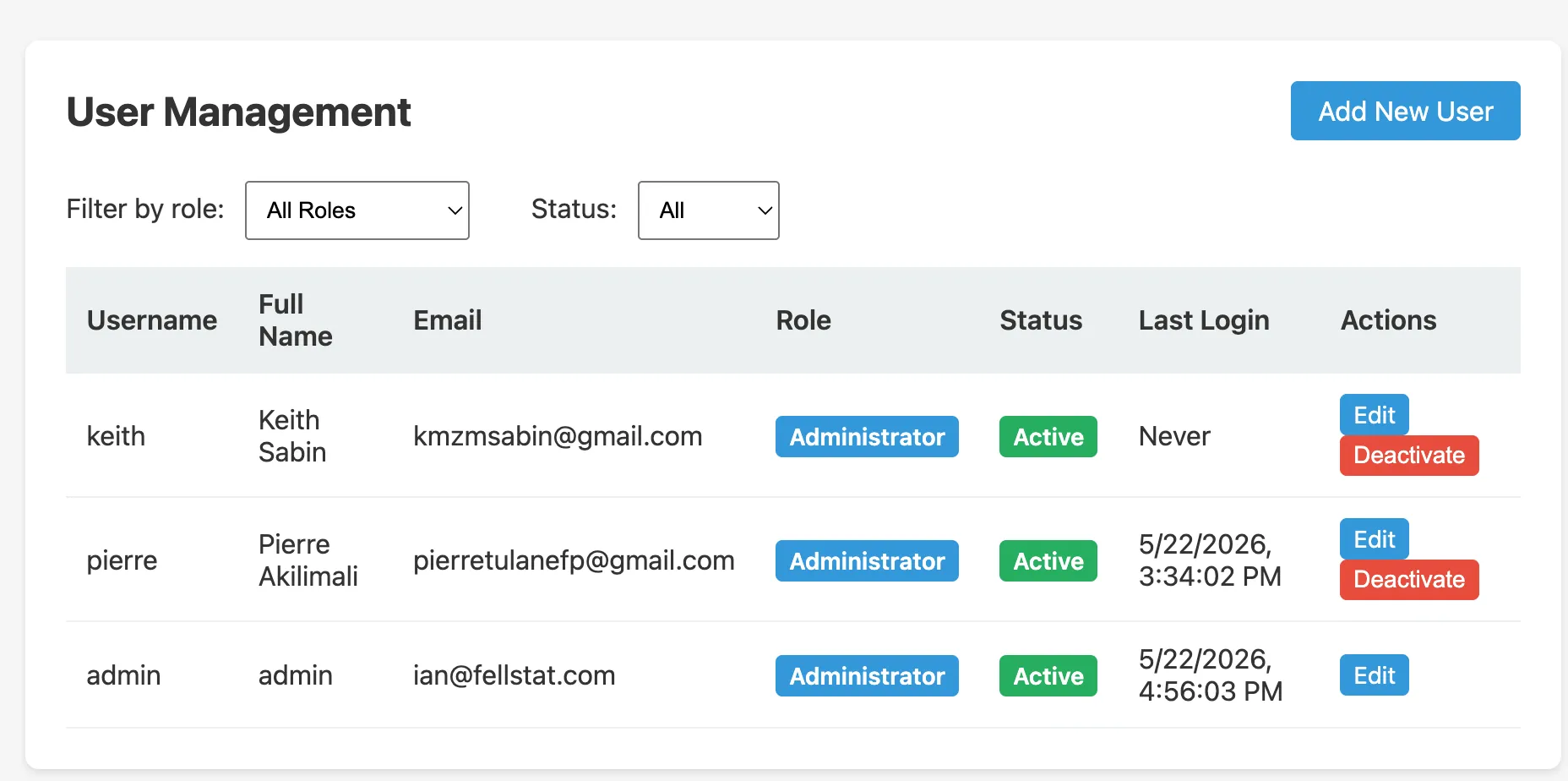
User list
The user list shows all management server accounts:
| Column | Description |
|---|---|
| Username | Login username |
| Role | Administrator is the only current role for management server users |
| Status | Active or Inactive |
Roles
Administrator
Full access to all management server features: survey configuration, facility management, data export, report generation, and user management.
Lab Staff
Access to the laboratory results entry workflow only. Lab Staff users can enter and view lab results but cannot access survey configuration, exports, or administrative settings.
Adding a user
Click Add New User and fill in:
- Username: used to log in
- Full Name: display name
- Password: temporary password (user should change it after first login)
- Role:
AdministratororLab Staff
Filtering
Use the role and status filter dropdowns to narrow the list.
Editing a user
Click Edit next to a user to change their full name, role, or status. Passwords cannot be viewed, only reset.
Resetting a password
Click Reset Password next to a user to set a new temporary password. The user should change this password at next login.
Deactivating a user
Set a user’s status to Inactive to prevent them from logging in without deleting their account and audit history.
Relationship to tablet users
Tablet user accounts (ADMINISTRATOR and SURVEY_STAFF) are managed separately on each individual tablet. See Tablet Administrator Guide for details.