Export Data
The Export Data page provides bulk downloads of all collected survey data.
Export formats
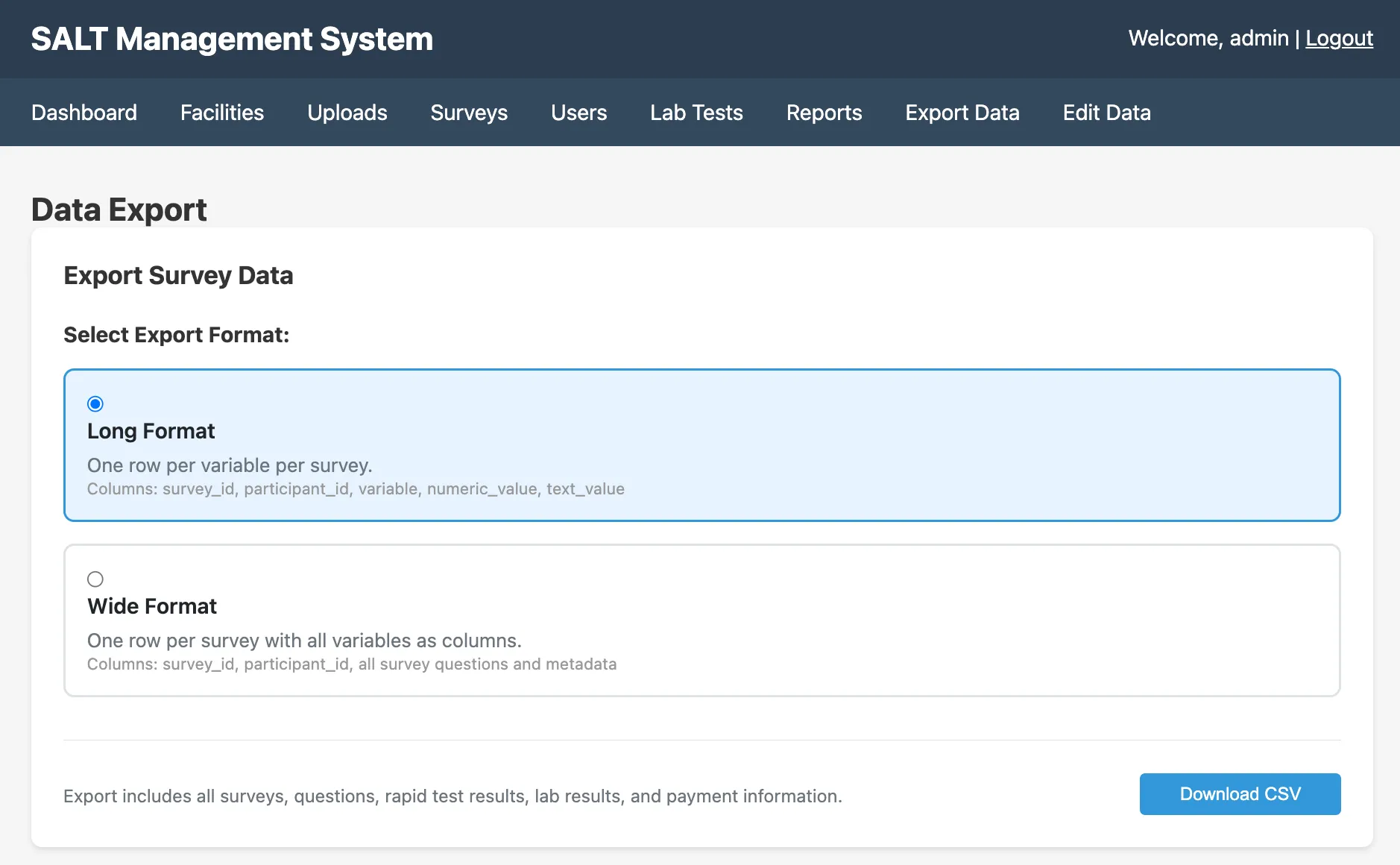
SALT offers three formats:
| Format | Description |
|---|---|
| Long Format | One row per question-response pair. Suitable for analysis tools that expect tidy data. |
| Wide Format | One row per participant, one column per variable. Suitable for SPSS, Stata, or R data frames. |
| RDS Format | Wide format with additional columns formatted for input to RDS estimators. |
Select a format and click Download CSV.
The download includes all surveys, questions, rapid test results, lab results, payment information, and metadata across all facilities.
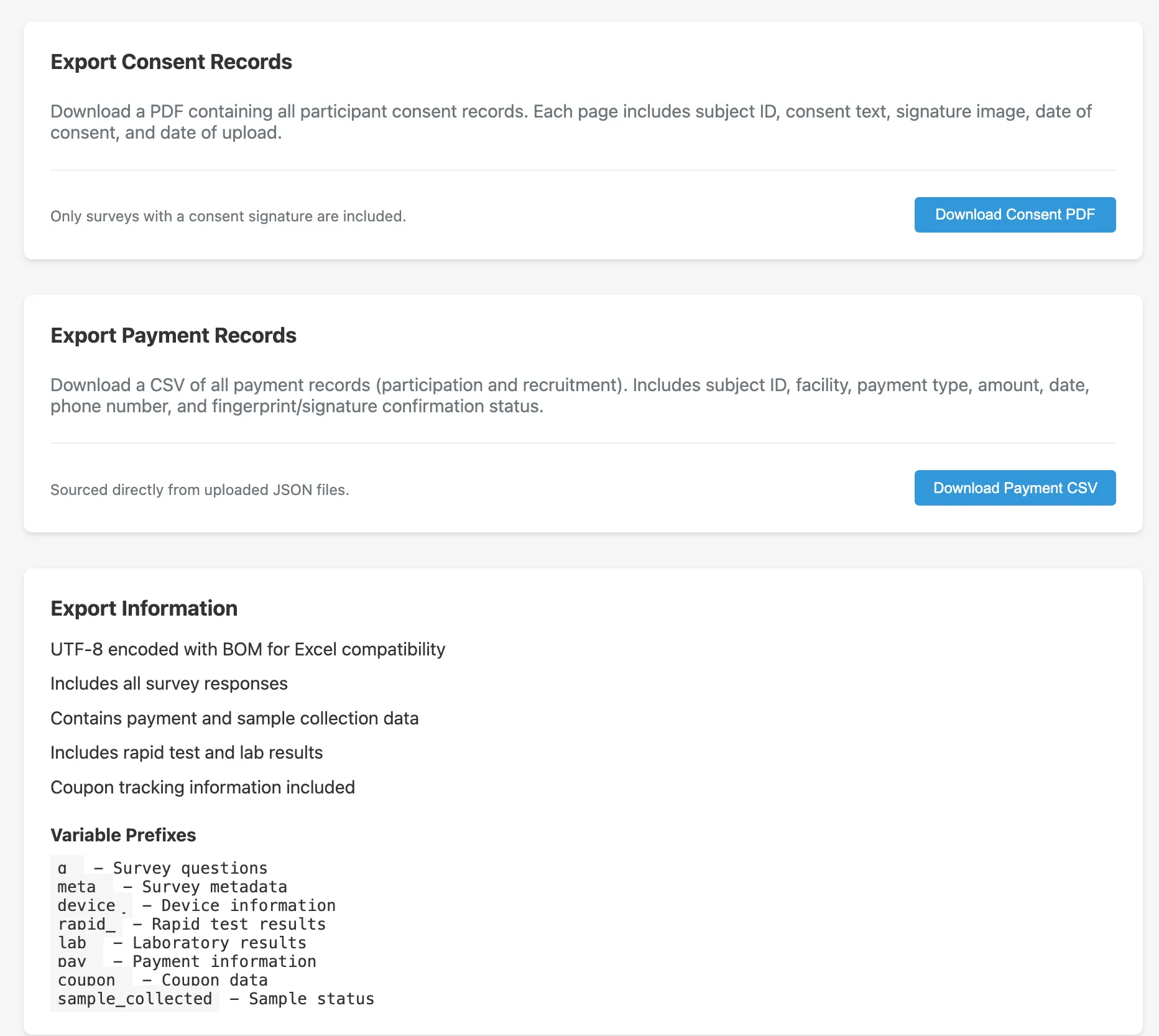
Variable naming conventions
| Prefix | Variables |
|---|---|
q_ | Question responses (keyed by short name, e.g. q_age, q_sex) |
meta_ | Metadata: participant ID, facility, upload timestamp, survey version |
device_ | Device information: tablet ID, app version |
rapid_ | Rapid test results (e.g. rapid_hivrapid, rapid_syprapid) |
lab_ | Laboratory test results (e.g. lab_HIVCONFIRM, lab_CD4) |
pay_ | Payment information: amount, type, audit status |
coupon_ | Coupon chain data: recruiter ID, coupon code used |
sample_collected | Whether a biological sample was collected |
Consent records
Click Download Consent PDF to download a PDF containing all consent records. Consent records include the participant ID, facility, date, and any consent-related survey responses.
Payment records
Click Download Payment CSV to download a CSV of all payment records, including recruitment payments. This is useful for financial audit and programme reporting.
Edit log
The Edit Data page has a Download Edit Log button that provides a full audit trail of all edits and soft-deletions applied to collected data.
Filtering
The export currently includes data across all facilities and all time. To filter by facility or date range, use R or another analysis tool on the downloaded CSV, or use the Quarto-based Reports engine to generate filtered outputs.